Digital Signage Demo Showcase: Restaurant Menu Boards and Bank Branches
Extended and distinct modes explained
- Extended mode treats both screens as one large canvas. A single layout, such as a wide promotion or a long menu, flows across the two displays.
- Distinct mode gives each screen its own content. One screen can show the menu while the other plays a promotional video.
Being able to switch between modes lets the same hardware serve different dayparts, for example a single wide breakfast promotion in the morning and separate menu and video screens at lunch.
Demo 2: Connecting with bank customers
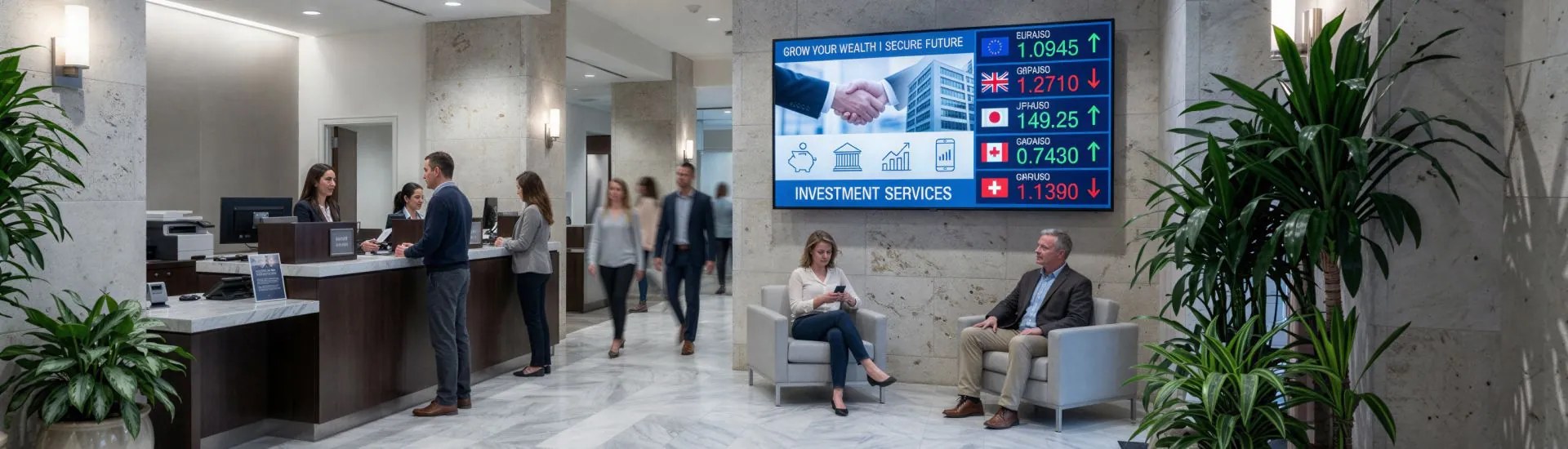
Customers waiting in a branch are a captive audience. In this demo a single screen presents services, rates and offers in an eye-catching way, turning waiting time into a chance to inform. Head office can manage the content for every branch remotely, so all locations stay consistent.
- Display mode: Single
- Use: Enhance the customer experience and manage content remotely across multiple branches
Building a similar setup today
These demos were filmed with earlier CAYIN players, but the same ideas apply to the current range:
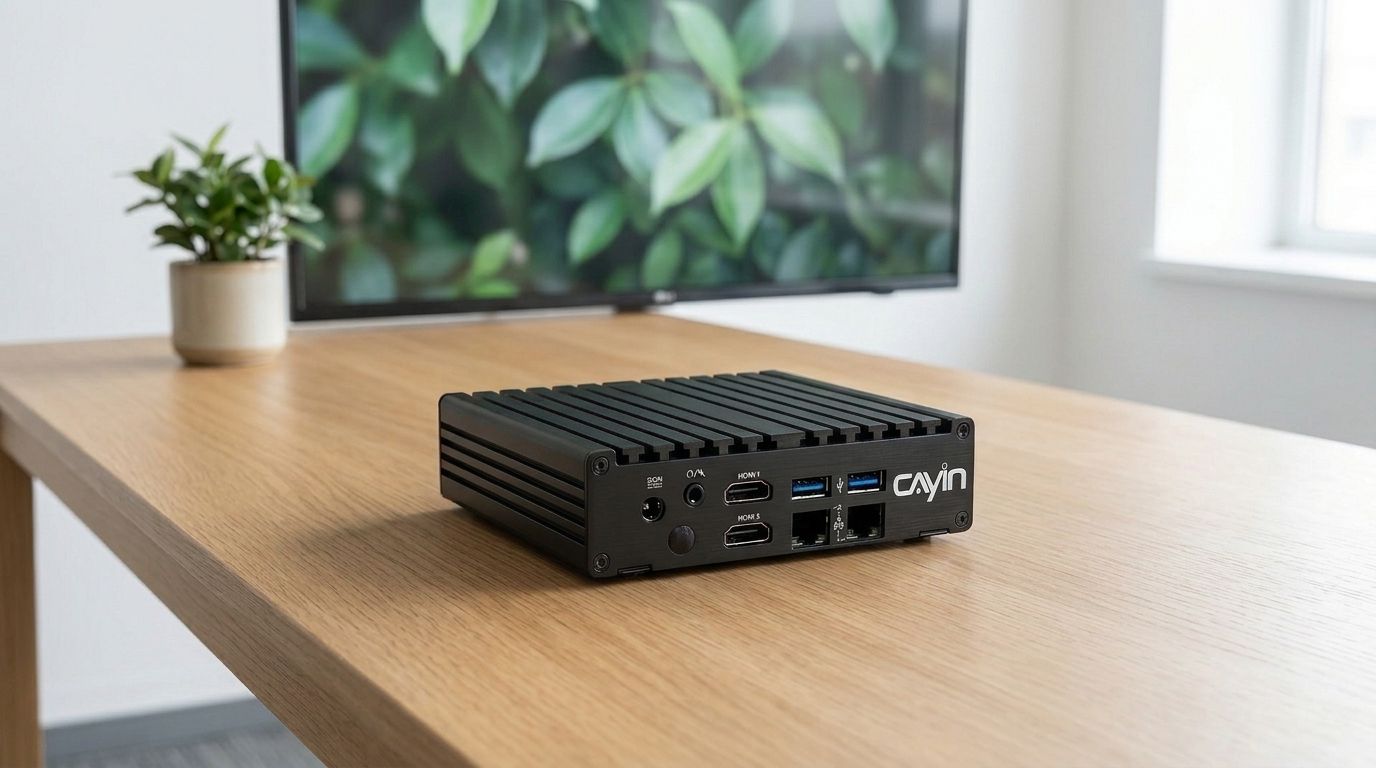
- SMP-2200 drives two screens, ideal for a 2x1 menu board.
- SMP-2210 drives up to three screens for wider counters.
- SMP-8100 drives a synchronized four-screen video wall.
- CMS-SE publishes and schedules content for many restaurants or branches from one browser.
See multi-display digital signage for more layouts, or use the player selection guide to match a player to your screens.
Frequently asked questions
What is a 2x1 video wall menu board?
It is a menu board made of two screens placed side by side and driven by one player, giving a restaurant more space for its menu and promotions than a single screen.
What is the difference between extended and distinct mode?
Extended mode spreads one layout across all connected screens. Distinct mode shows separate content on each screen from the same player.
Can I update menus or bank content at many locations at once?
Yes. With a server such as CMS-SE you can publish and schedule content for all your restaurants or branches from one place.
Which CAYIN player should I use for a two-screen menu board?
SMP-2200 has dual HDMI output and suits a 2x1 menu board. For three screens choose SMP-2210, and for a four-screen video wall choose SMP-8100.
CAYIN Technology in Brief
CAYIN Technology is a 22-year professional digital signage solution and software developer from Taiwan. By offering a complete portfolio of appliance-based digital signage solutions, CAYIN dedicates itself to being a reliable partner to clients worldwide and has successfully set up various applications globally. In order to best facilitate the deployment of its products, the company also provides tailored services to satisfy the ever-growing market demand for almost limitless applications.